

Automated Replenishment in ERP: Reducing Stockouts and Overstocks
Summary:
- Automated replenishment in ERP uses real-time data, forecasting, and automation to help distributors reduce stockouts, avoid overstocks, and improve inventory accuracy.
- ERP-driven replenishment continuously monitors demand, inventory levels, and vendor lead times to automatically trigger purchase orders and warehouse transfers when needed.
- With automated replenishment, distributors can lower carrying costs, improve cash flow, save time, and scale inventory management across multiple warehouses more efficiently
In distribution, inventory is both your greatest asset and your greatest risk. Too little stock leads to missed sales, frustrated customers, and lost revenue. Too much stock ties up capital, increases carrying costs, and creates the risk of obsolescence. Finding the right balance is one of the most difficult challenges distributors face. It is also where automated replenishment in ERP delivers significant value.
Modern ERP platforms such as 10X ERP go beyond manual reorder points and guesswork. By leveraging real-time data, predictive analytics, and automation, ERP-driven replenishment helps distributors maintain the right products in the right quantities at the right time.
Why Traditional Replenishment Falls Short
Many distributors still rely on static reorder points, spreadsheets, or intuition to manage replenishment. While these methods may have worked in the past, they struggle in today’s environment.
Demand Volatility Customer orders fluctuate due to seasonality, promotions, and supply chain disruptions.
Vendor Variability Supplier lead times change frequently and often without warning.
Rising Costs Overstock increases carrying costs, while stockouts can lead to expensive expedited shipping.
Complex Product Portfolios Managing thousands of SKUs across multiple warehouses makes manual processes extremely difficult.
The result is a mix of stockouts that disappoint customers and overstocks that drain cash flow
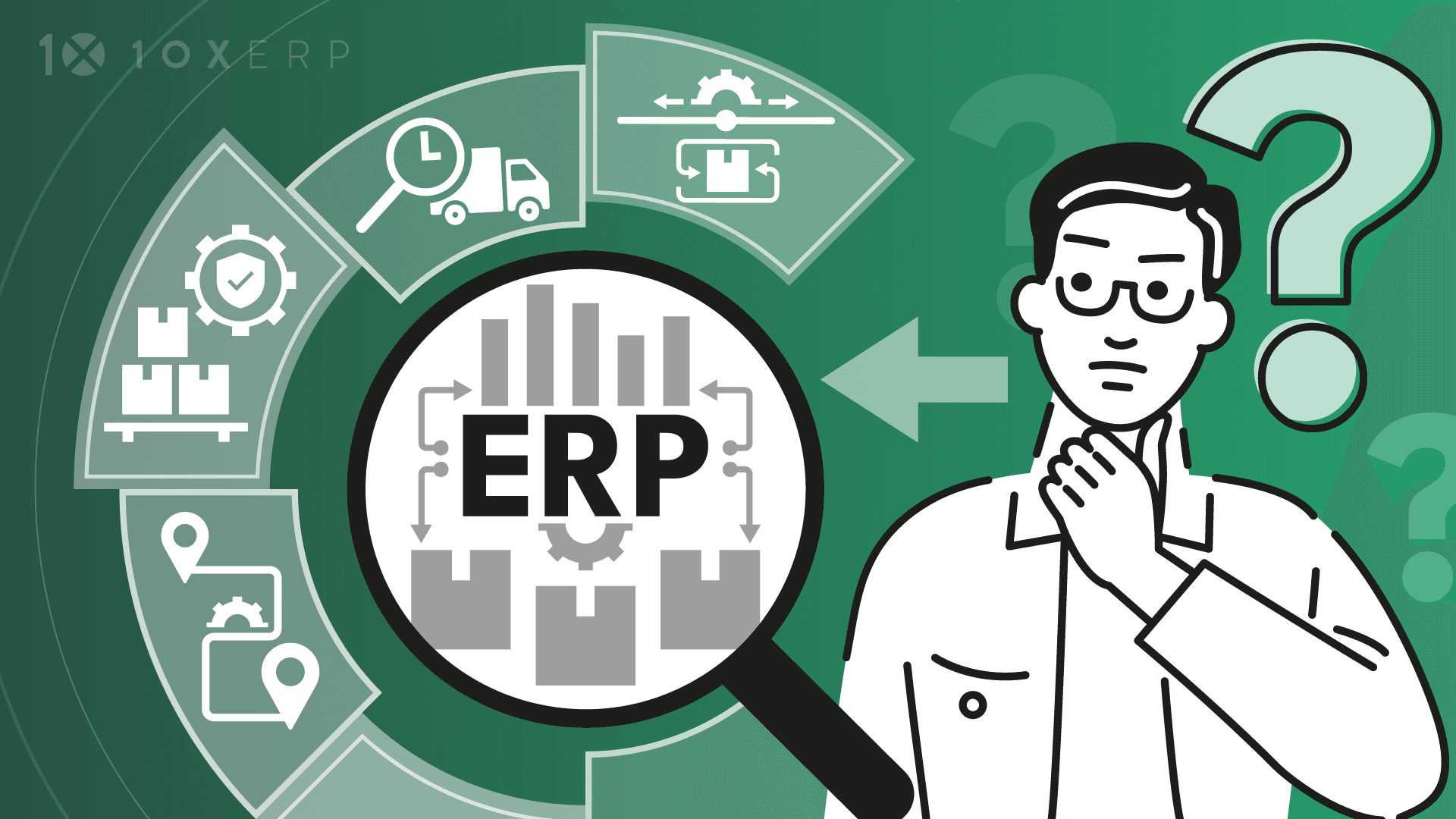
What Is Automated Replenishment in ERP?
Automated replenishment uses ERP data and algorithms to dynamically trigger purchase orders or transfer requests based on real-time conditions. Instead of relying on manual reviews, ERP continuously monitors inventory levels, demand trends, and vendor lead times to recommend or execute replenishment actions.
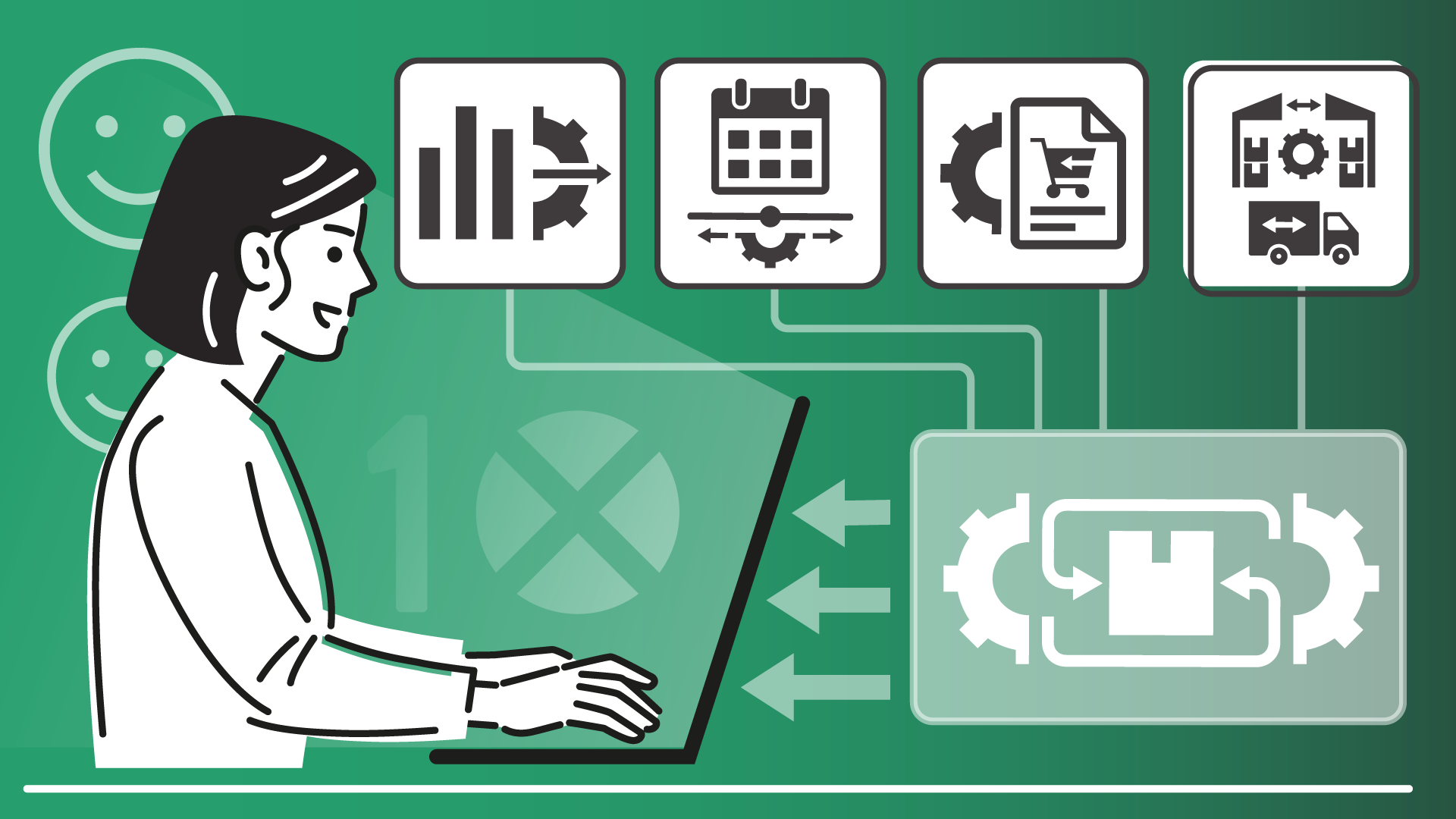
Key features typically include:
- Dynamic Reorder Points that adjust automatically based on changing demand
- Lead Time Tracking that recalculates replenishment needs when supplier performance changes
- Safety Stock Management that balances inventory risk with appropriate buffer levels
- Multi-Location Optimization that transfers stock between warehouses before purchasing new inventory
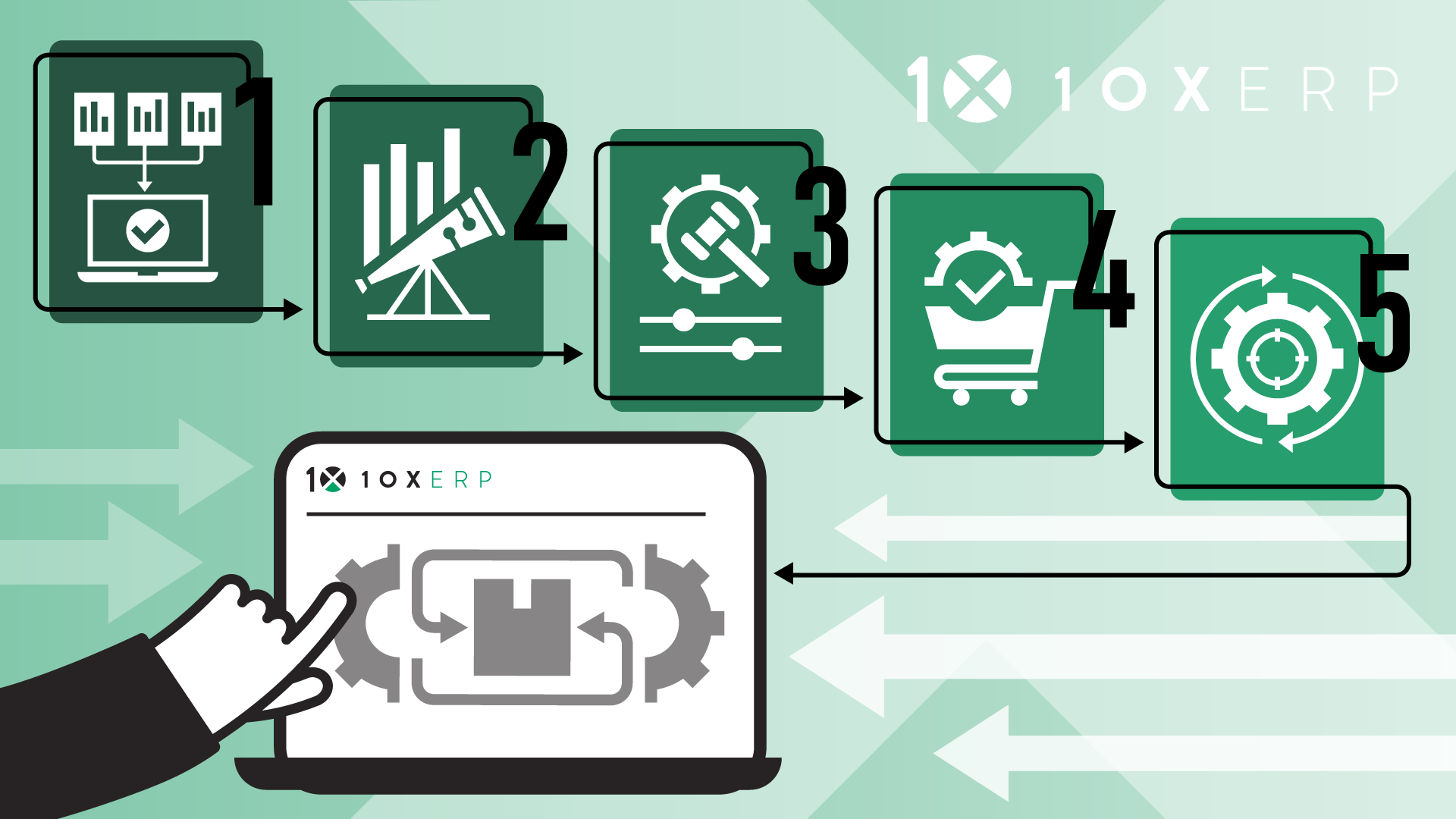
How Automated Replenishment Works in ERP
Step 1: Data Collection ERP consolidates historical sales data, current orders, vendor lead times, and inventory levels across all locations.
Step 2: Forecasting Advanced ERP modules use algorithms or AI-driven demand sensing to predict future demand patterns.
Step 3: Replenishment Rules Distributors configure rules such as minimum stock levels, maximum stock thresholds, reorder frequency, or preferred vendors.
Step 4: Automated Triggers When inventory conditions meet predefined thresholds, the ERP system automatically creates a purchase order or transfer request, reducing manual intervention.
Step 5: Continuous Optimization The system refines forecasts and replenishment rules over time, improving accuracy with every cycle.
Benefits of Automated Replenishment
Reduced Stockouts High-demand items remain available, which improves customer satisfaction and order fulfillment rates. Lower Carrying Costs Businesses avoid tying up cash in unnecessary excess inventory. Improved Vendor Collaboration More accurate forecasts and purchase orders strengthen relationships with suppliers. Time Savings Teams spend less time reviewing spreadsheets and placing routine orders. Better Margins Fewer rush orders, write-offs, and markdowns help protect profitability. Scalability Distributors can manage thousands of SKUs across multiple warehouses without increasing complexity.
Real-World Example
Consider a distributor managing thousands of SKUs across three regional warehouses. In the past, buyers reviewed spreadsheets each week to determine what needed to be reordered. Stockouts were common for fast-moving products, while slow-moving items accumulated on warehouse shelves.
After implementing automated replenishment within ERP:
- Sales data and vendor lead times automatically feed replenishment algorithms.
- The ERP system adjusts reorder points daily.
- Purchase orders for key vendors are generated automatically when thresholds are reached.
- Inventory balances between warehouses are optimized through transfer requests.
- The result is fewer stockouts, lower carrying costs, and buyers who can focus on strategic sourcing instead of routine ordering tasks.
Best Practices for Distributors
Clean Your Data Accurate product, vendor, and lead-time data are essential for effective automation.
Start with High-Impact SKUs Begin with fast-moving or high-margin items to generate immediate value.
Engage Vendors Sharing replenishment forecasts with suppliers helps align expectations and improve service levels.
Fine-Tune Rules Continuously adjust reorder parameters based on system performance and business needs.
Monitor KPIs Track fill rates, stockout incidents, and carrying costs to measure improvements.
Conclusion
Automated replenishment has moved beyond being a convenience. It is now a necessity for distributors operating in today’s volatile supply chains. By integrating real-time data, predictive forecasting, and automated triggers, ERP systems help ensure that inventory remains optimized without constant manual oversight.
With 10X ERP, distributors gain the tools needed to reduce stockouts, eliminate costly overstocks, and create more efficient and scalable inventory management processes. The benefits are clear. Customers are happier, cash flow improves, and margins become stronger.
Ready to Transform Your Distribution Business?
Let us help you implement solutions that drive real results.
Contact Us TodayGet insights delivered to your inbox
Product updates, distribution industry insights, and company news.
Related Articles
Prepare Your Distribution Operations for 2027
A Q4 checklist for fastener, sealing and industrial distributors, with real results from distributors who gained throughput, cleaner books and faster fulfillment.
Why vacation season exposes operational gaps in distribution businesses
Every distribution business has that moment in July. A key person is out. A big order comes in. And suddenly everyone realizes the operation was running on tribal knowledge, not systems. Vacation season doesn't create operational gaps — it just makes them impossible to ignore. Here's why it happens and what distributors running on modern ERP do differently.
The 8 Essential ERP Modules Every Distributor Needs
A distribution ERP is only as good as its modules. Here are the 8 essential ERP modules for distributors, what each one does, and why they work best on one platform.